







Meta Ads
Meta Ads Alerts: How to Get CPA, Spend and Creative Fatigue Alerts in Slack
 Aravind Sundar · · 13 min read
The worst way to find out about a broken ad set is Monday's report. In Black Friday week it's also the most expensive way, because budgets are at their highest and every hour that ad set keeps spending is money you don't get back.
Meta does have alerts. They live inside Ads Manager, though, and the people who need them mostly live in Slack. This guide covers what Meta sends on its own, how to set up performance alerts with automated rules, the eight alerts we'd set for an app or a D2C brand, and how to get them into a Slack channel.
What are Meta Ads alerts?
Meta Ads alerts are notifications that tell you something in your ad account needs attention before it shows up in a report. There are two kinds. Account alerts come from Meta: a rejected ad, a billing problem, a sudden change in delivery. Performance alerts are the ones you define, like cost per result going over your target or spend running ahead of plan.
Most teams get the first kind by default. Far fewer have the second kind set up properly, and that's where the expensive surprises come from.
What alerts does Meta send on its own?
Meta sends account alerts without any setup. Business notifications in Ads Manager group them into accounts (access requests, roles, billing) and ads (status updates, results and tips). Warnings cover things like a sudden change in delivery or performance, and errors cover ads that can't deliver. When an ad is rejected, Meta emails you a link to the reason.
These are worth keeping on. They tell you when something broke on Meta's side. They won't tell you that your cost per trial went from $28 to $45 since Friday, because Meta doesn't know your target. For that you need automated rules.
How do you set up Meta Ads alerts with automated rules?
Automated rules check your campaigns, ad sets or ads against conditions you choose, then make a change or notify you. For alerts, pick the action Send notification only. It sends a notification to you or other people on the ad account and leaves your ads alone.
To create one (Meta's steps):
In Ads Manager, open Automated rules and click + Create rule.
Name the rule and choose what it applies to, for example all active ad sets.
Set the action to Send notification only.
Add your conditions. All of them have to be true for the rule to fire, so "cost per result greater than $40" plus "amount spent greater than $100" means both at once.
Set the time range, which is how many days of data the rule looks at, and the schedule, which is how often it checks. Custom lets you pick the days and times.
Add subscribers and click Create.
A few things catch people out:
Who gets the notification. Subscribers need admin permissions on the ad account and full control of the business portfolio. Your contractor or analyst often doesn't have that, so they never see the alert.
Advantage+ campaign budget. If a campaign uses Advantage+ campaign budget (also called campaign budget), you can't create cost-related rules that notify you on its ad sets. Put the rule on the campaign instead.
Limits. One rule covers one level, so campaigns and ad sets need separate rules. Each condition can be used once per rule, and you get 250 rules per ad account, active or not.
Where it lands. Notifications show up in Ads Manager's business notifications. Nothing goes to Slack. Rules also only see Meta, so if your real revenue lives in RevenueCat, Shopify or GA4, the rule can't check it.
Which Meta Ads alerts should you set?
Start with eight. Each one catches a different kind of problem, and between them they cover most of the costly surprises in a consumer app or D2C account. The thresholds are where we'd start. Tune them to your own account after a couple of weeks.
Alert | Fires when | Where we'd start | Why it matters |
|---|---|---|---|
CPA or CPI over target | Cost per result is above target and spend has passed a floor | 30% over target, once spend is at least 2x your target CPA | One expensive conversion shouldn't wake anyone up |
ROAS below floor | ROAS over the last 3 days drops under break-even | Your break-even ROAS | Mostly for D2C. Use the same attribution setting your reports use |
Spend above plan | Account spend is running ahead of the weekly plan | 15% over plan by midweek | One ad set at 1.5x its daily budget can be normal (more below) |
Pacing behind | An ad set is spending well under its budget | Under 50% of expected spend by mid-afternoon | Often a small audience, a low cost cap or a delivery issue |
Delivery stopped | An active campaign spends $0 for 3 hours in the daytime | Zero spend during your usual delivery hours | Failed payments, rejections and ended schedules all look like this |
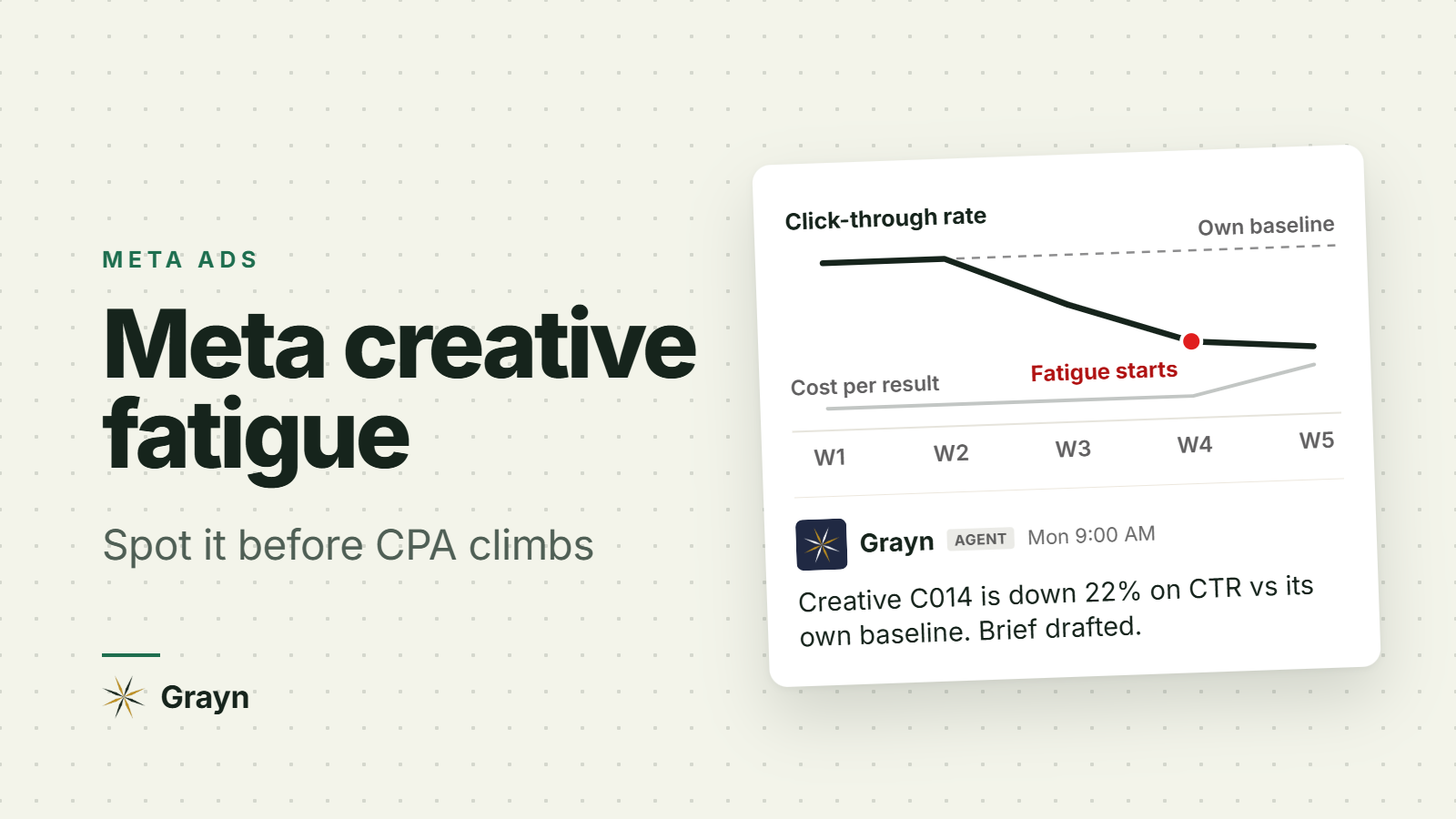
Creative fatigue | An ad's CTR drops against its own first stable week while frequency climbs | CTR down 25% with frequency rising | Fatigue shows up in CTR before it shows up in CPA |
Tracking break | Results drop to near zero while clicks hold steady | Results down 80% day over day with clicks flat | A broken pixel or SDK event looks exactly like a terrible campaign |
Ad rejected or stuck in review | A new ad is rejected, or still in review after a day | Any rejection, or review past 24 hours |
For app teams, swap cost per result for the event you actually pay for: cost per install, per trial or per subscription. For D2C brands it's usually cost per purchase and ROAS.
If installs come from Meta while trials and renewals live in RevenueCat, treat the Meta CPA alert as an early warning and confirm the real number in RevenueCat before anyone moves budget.
Two of these have their own guides. For fatigue, here's how to spot creative fatigue before CPA climbs. For tracking breaks, start with why Meta and GA4 never match and how to tell a normal gap from a broken one.
How do you stop Meta Ads alerts from firing too often?
The fastest way to kill an alert channel is to send too many alerts. After a week of false alarms people mute it, and then the real one gets missed. Most false alarms come from four things.
Recent days always look worse. With the default 7-day click attribution setting, Meta can credit a purchase to a click from up to 7 days earlier. So the last few days keep filling in after the fact. Judge CPA and ROAS on yesterday or a 3-day window, never on today alone.
Daily budgets flex. On days with better opportunities, Meta may spend up to 75% over your daily budget, and it won't spend more than 7 times your daily budget in a week. An ad set at $160 on a $100 budget is within the rules. Alert on weekly pace and account totals instead.
Learning phase CPAs run high. Ad sets usually leave learning after about 50 results in the week after the last significant edit, and Meta says CPA is usually higher until then. Mute CPA alerts on ad sets in learning, or give them a looser threshold.
Small numbers swing. Three conversions at $40 and one at $90 moves your CPA by about 30%. That's why every cost alert in the table has a spend floor.
One more thing. Don't wire alerts straight into actions. Changing targeting or bid strategy, adding a new ad or making a big budget change can put an ad set back into learning, and Meta notes that turning ad sets off with cost-based rules can do the same. Send the alert to a person and let them decide. It's the same line we draw in what to automate and what to keep human.
How do you get Meta Ads alerts into Slack?
Meta has no Slack option for rules or business notifications. There are three ways to close that gap, and the right one mostly comes down to who's going to look after it.
Forward Meta's emails | An n8n workflow | Grayn | |
|---|---|---|---|
What reaches Slack | What Meta emails you, like ad rejections | The metrics and thresholds you build in | CPI, CPA, ROAS, spend, pacing and creative fatigue alerts |
Connecting Meta | Nothing to connect | API access to your ad account, set up as n8n credentials | Sign in with Facebook, about two minutes |
Changing a threshold | Not possible | Edit the workflow | Change your target |
Finding out why | Open Ads Manager | Open Ads Manager | Ask in the Slack thread |
Other channels | No | Only what you build | Google Ads, GA4, RevenueCat and more |
Who keeps it running | Nobody needs to | Whoever built it | Grayn |
Slack plan | Paid | Any | Alerts work on free plans |
Forward Meta's emails to a channel
On paid Slack plans, any channel can get its own email address. Add a filter in Gmail or Outlook that forwards Meta's ad rejection and billing emails to it. It's quick, but it only carries what Meta emails you. Your CPA and pacing alerts won't be in there.
Build it with n8n
If someone on your team builds in n8n, there's a community template for Meta Ads monitoring with Slack alerts. It pulls ad-level numbers through the Facebook Graph API, flags ads whose CTR or ROAS crosses the limits you set, and posts the ad name, spend, CTR, CPC and ROAS to a channel. You'll need API access to your ad account and a Slack bot that can post.
It's a decent start. Here's what it leaves to you:
Most of the alerts. It watches CTR and ROAS for the ad account and campaign you type into the workflow. CPA and CPI targets, pacing, delivery stopping and tracking breaks are yours to build, one by one.
The false-alarm rules. Everything in the section above, from attribution lag to the learning phase, has to be written into the workflow's code. Skip it and the channel fills with alerts nobody trusts.
The why. The alert says ROAS dropped. Working out whether it's a tired creative, a broken pixel or a weaker audience still means opening Ads Manager and GA4.
The upkeep. Someone has to keep the Meta access valid, fix the workflow when Meta changes its API and add an error alert, because a workflow that quietly stops running doesn't post anything.
Building makes sense if you run one ad account, have someone who enjoys n8n and have time to maintain it. Most marketing teams would rather not add another system to babysit.
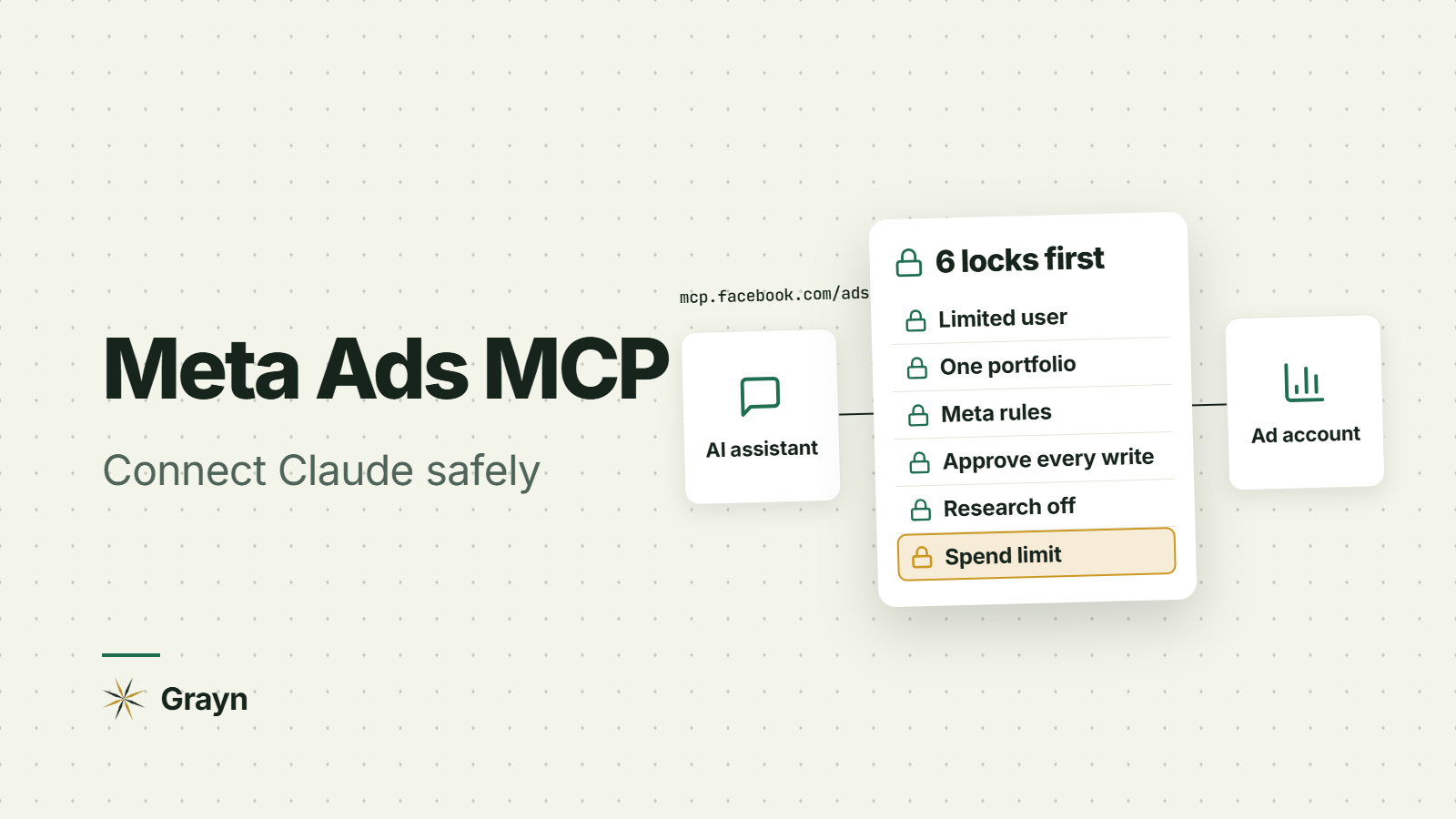
You could also connect Claude to your Meta ad account safely and ask it to check things. That's useful for digging in, but someone has to open a chat and ask. Alerts work the other way round. They come to you.
Let Grayn watch it for you
Grayn is an AI agent for consumer marketing teams that lives in Slack, and it does the jobs the template leaves to you.
Connect in about two minutes. Add Grayn to Slack, choose Meta Ads and sign in with Facebook. You can revoke access any time.
Set a target once. Grayn posts when frequency climbs, CTR slips, spend runs ahead or CPI, CPA or ROAS crosses your number. Data refreshes about every 15 minutes.
See the numbers behind the move. Each alert shows what changed, and a fatigue alert suggests what to do next, like a fresh cut before CPI climbs further.
Ask why in the thread. Tag @Grayn and ask, say, "why did cost per trial jump on US Trial Starts?" It answers with live numbers and a chart, and it can bring in Google Ads, GA4, RevenueCat, Apple Ads (formerly Apple Search Ads), Search Console, Tag Manager and Braze.
Your team stays in charge. Grayn reads your Meta data and recommends changes. It doesn't change your campaigns.
What should a Meta Ads alert in Slack say?
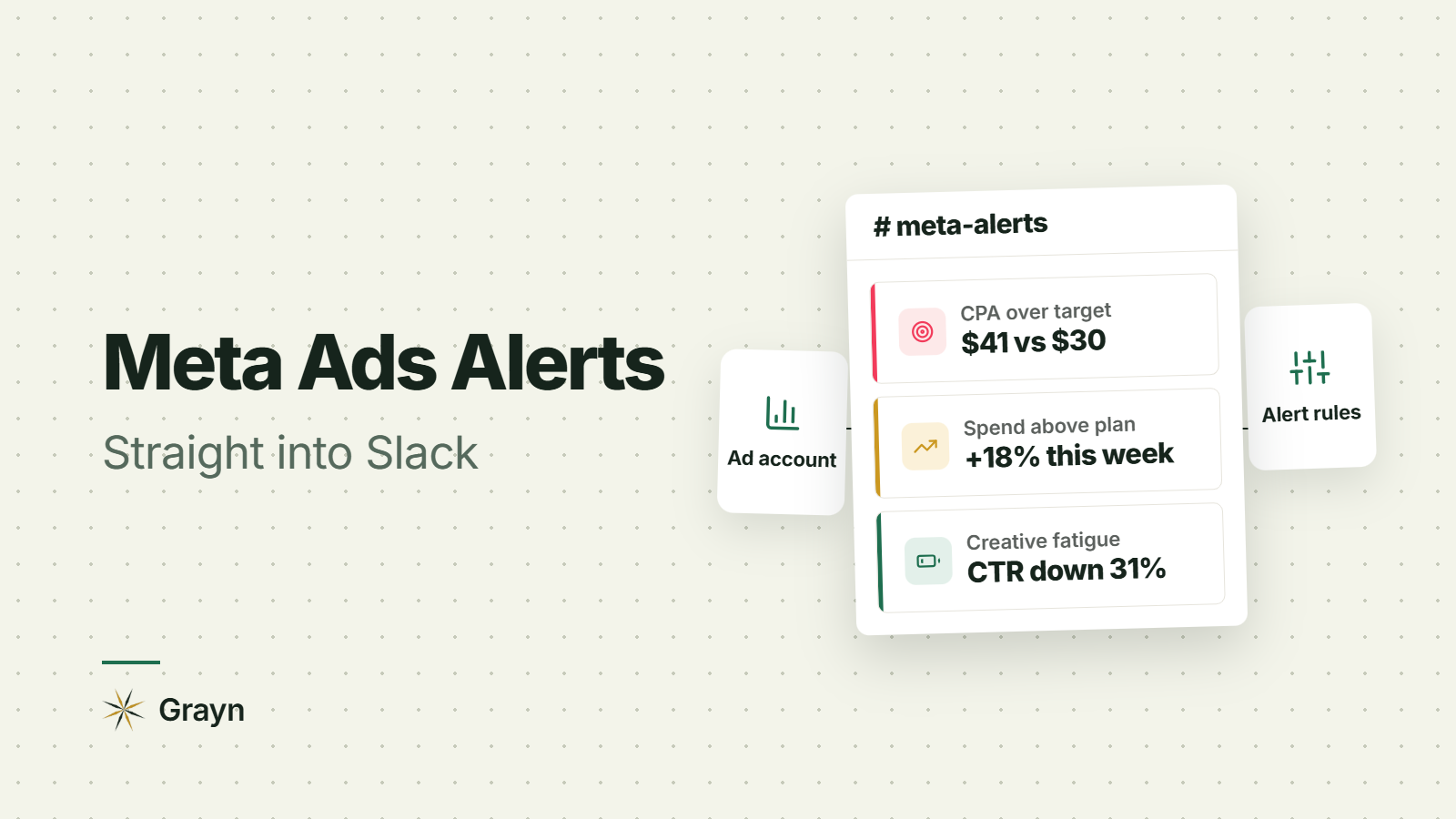
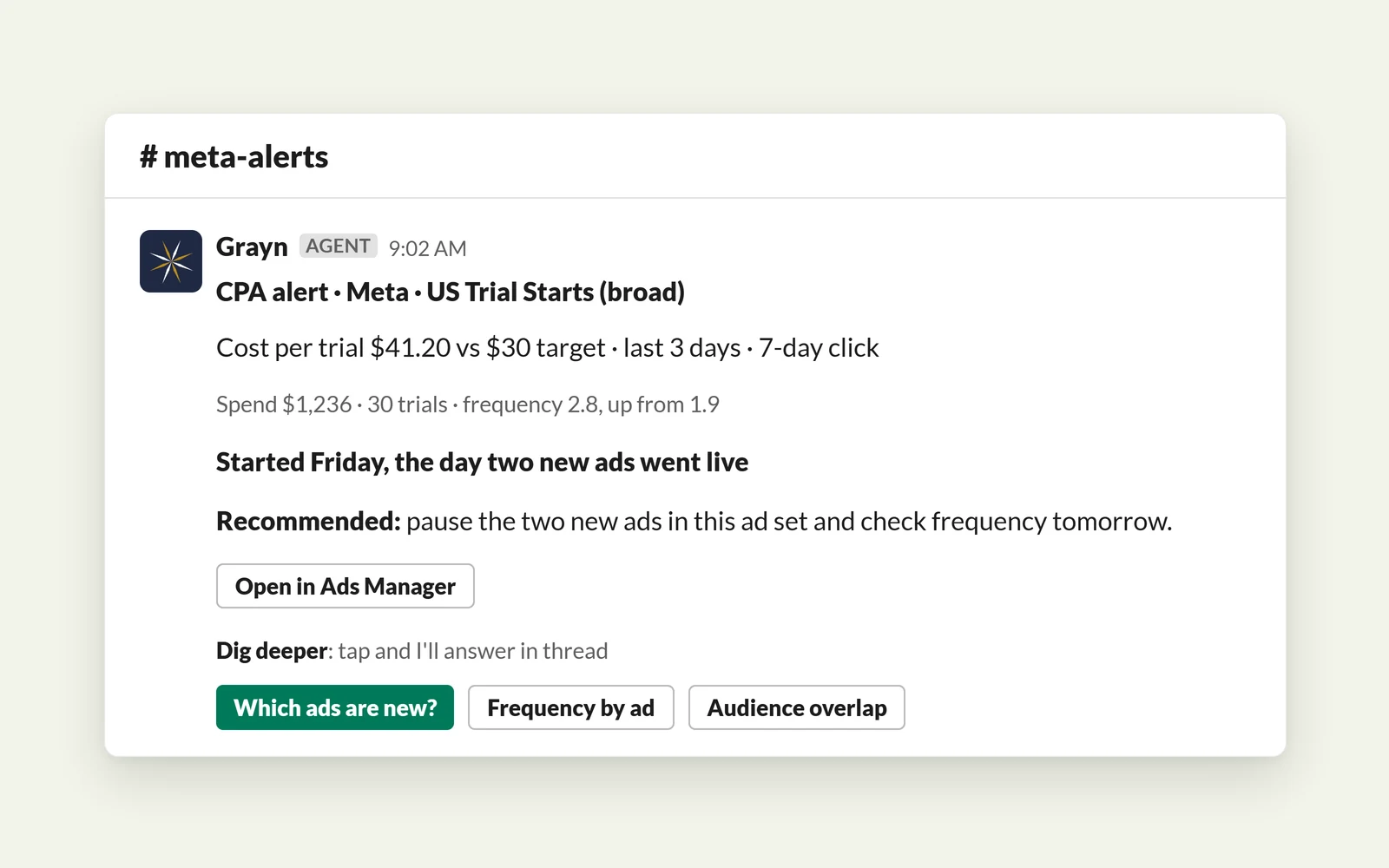
A good alert answers "do I need to do something?" in one read. It names the ad set, shows the number against its target, states the time window and attribution setting, says what changed underneath and links to the ad set. Something like:
CPA alert · Meta · US Trial Starts (broad)
Cost per trial $41.20 vs $30 target · last 3 days · 7-day click
Spend $1,236 · 30 trials · frequency 2.8, up from 1.9
Started Friday, the day two new ads went live
Open in Ads Manager
Send alerts to one channel, like #meta-alerts, and give each alert type an owner. If the channel gets more than a handful a day, raise the thresholds. A channel nobody reads is worse than no channel, because everyone assumes someone else is watching.
Aravind's take
The test I use for any alert is simple. When it fires, does someone know what they'd do next? If not, it's a report that wandered into the wrong channel. Put it in the Monday digest and keep the alert channel for the few things that need a person within the hour. Spend running away, delivery stopping and tracking breaking qualify. A CPA that's 10% over target on a Tuesday afternoon doesn't.
Try it on your own account
Connect Meta Ads, set your CPA or ROAS target and let the first alert come to you. Alerts and scheduled reports work on free Slack plans too. See everything Grayn does with Meta Ads reports and alerts in Slack and Google Ads, or start free with $200 in credits. No credit card required.
FAQ
Can Meta Ads send alerts to Slack?
Not directly. Meta delivers automated rule notifications and business notifications inside its own tools, and ad rejections arrive by email. None of them reach Slack on their own. To get alerts into Slack, forward Meta's emails to a channel email address, build a workflow in a tool like n8n, or use a Slack-native agent like Grayn that posts alerts for you.
How do I get notified when my Meta Ads CPA goes up?
Create an automated rule with the action Send notification only and a condition like cost per result greater than your target. Add a second condition on amount spent so one expensive conversion doesn't trigger it. For campaigns on Advantage+ campaign budget, set the rule at the campaign level.
Why isn't my Meta automated rule sending notifications?
Check three things. Every condition has to be true at the same time. Subscribers need admin permissions on the ad account and full control of the business portfolio. And cost-related rules can't notify on ad sets inside campaigns that use Advantage+ campaign budget.
How many automated rules can I create in Meta Ads Manager?
Up to 250 per ad account. That count includes inactive rules, so delete the ones you no longer use.
How often should Meta Ads alerts check?
Hourly is enough for spend, pacing and delivery problems. Check CPA, ROAS and creative fatigue once a day on yesterday's data or a 3-day window, because Meta can keep crediting conversions for up to 7 days after a click.
Should Meta Ads alerts pause ads automatically?
Not by default. Automatic edits can put an ad set back into the learning phase, and an alert doesn't know your promo starts Monday. Send the alert to a person and let them make the call.