







AI Agents
AI Agents for Paid Ads: What to Automate, What to Approve and What to Keep Human
 Aravind Sundar · · 12 min read
A year ago, getting an AI agent into your Meta ad account meant building it yourself or paying for a tool that had already done the API work. That changed fast. In April, Meta let Claude and ChatGPT connect straight to ad accounts. In May, Google announced an agent that sets up a campaign from a one-line request. And since October, Meta has been testing an assistant that changes your budget when you ask it to in chat.
So AI agents for paid ads can do a lot more than write reports now. Whether you should let them is a separate question, and it's the one this post is about.
We'll go through what actually counts as an agent, what each kind can touch today, and how far we'd let one go on the jobs that fill a performance marketer's week. There's a 30-day plan at the end if you want to try one without handing over the keys.
What is an AI agent for paid ads?
Software that reads your ad accounts, works out what matters and does the next thing without you walking it through. Sometimes the next thing is a weekly report. Sometimes it's pausing an ad set at 2am.
A few things get called agents and mostly aren't. Advantage+ and Performance Max are automation inside a single campaign. They chase the goal you set and never look outside it, and you can't ask them anything. A plain ChatGPT or Claude chat with nothing connected only knows what you paste into it. And the tools that turn one product photo into fifty ad variations are creative generators. Handy. Different job.
"Agent" now stretches from a read-only weekly summary to something that moves money overnight. That's why we'd compare agents by what they're allowed to do. The product names change every month anyway.
What can AI agents for paid ads actually do today?
More than most people assume. Four things happened this year:
April 29: Meta put its ads AI connectors into open beta. Through Meta's own MCP server (MCP is the standard that lets an AI assistant use another product's tools), Claude and ChatGPT can pull reports and create campaigns, ad sets and ads in your account. New things get created paused, as Jon Loomer's walkthrough shows. Campaigns that are already running get no such protection: the same connection can edit live campaigns.
May 20: Google announced Ask Advisor, one agent across Google Ads, Google Analytics, Merchant Center and Google Marketing Platform. Tell it to find new customers for a product and it pulls the product details from Merchant Center and sets up the campaign in Google Ads. It's in beta for English-language accounts.
July 16: Meta opened its ads MCP server to any developer app and gave business admins rules to limit what agents can do. Meta's own docs use the example of a rule that blocks any budget increase over 20%.
October 6: Meta started testing agentic actions in the AI business assistant inside Ads Manager. Campaign setup, targeting changes and budget changes, all from a chat prompt, plus scheduled reports and alerts. For large advertisers and agencies, work staged by outside agents now lands in Ads Manager as a draft. Relevant Audience's breakdown is a good read on what's live and what's still a test.
Which leaves you with three kinds of agent to pick from today:
Type of agent | Built into the platform | Your AI assistant, connected | Independent agents |
|---|---|---|---|
Examples | Meta's AI business assistant, Google's Ask Advisor and Ads Advisor, Amazon Ads Agent | Claude or ChatGPT through Meta's ads AI connectors or Google's Ads MCP server | AI media buyers like Madgicx and Triple Whale's Moby, and always-on watchers like Grayn (ours) |
What it sees | Its own platform. Ask Advisor also pulls in Google Analytics | Whatever you've connected to that chat | Several ad platforms, plus analytics and revenue |
What it can change | Ads Advisor applies changes once you approve them. Meta's budget and targeting actions are still being tested | On Meta, it creates paused campaigns and can edit live ones. Google's server is read-only for now | Depends on the tool. Some move budget inside caps you set, others only draft and wait for you |
Where it falls short | Can't see your other channels or backend revenue, and grades results with its own attribution | Only works when someone asks, and forgets last week once the chat ends | One more vendor with access to your accounts |
Which paid ads tasks should you hand to an AI agent?
Short version: let agents watch and draft. Anything that changes your spend or changes what you measure should go past a person first.
We think about it as five levels of control, each one giving the agent a bit more rope:
Report. Reads the accounts and summarizes. Changes nothing.
Alert. Watches all day and pings you when something crosses a line you've set.
Draft. Gets the change ready, like a paused campaign, a budget proposal or a creative brief, then waits for someone to approve it.
Act with approval. Makes the change once a named person says yes.
Act within limits. Makes changes by itself, inside hard caps.
And here's where we'd stop on each job:
Task | How far to let the agent go | Why |
|---|---|---|
Daily and weekly reports | Report, fully automated | Nothing to break, and you get a few hours back every week |
Pacing against the monthly budget | Alert | Day 9 is when you want to hear about it. Day 28 is too late |
CPA, CPI or ROAS off target | Alert with a drafted fix | The fix depends on the cause. Tired creative, auction pressure and broken tracking look the same from the top line |
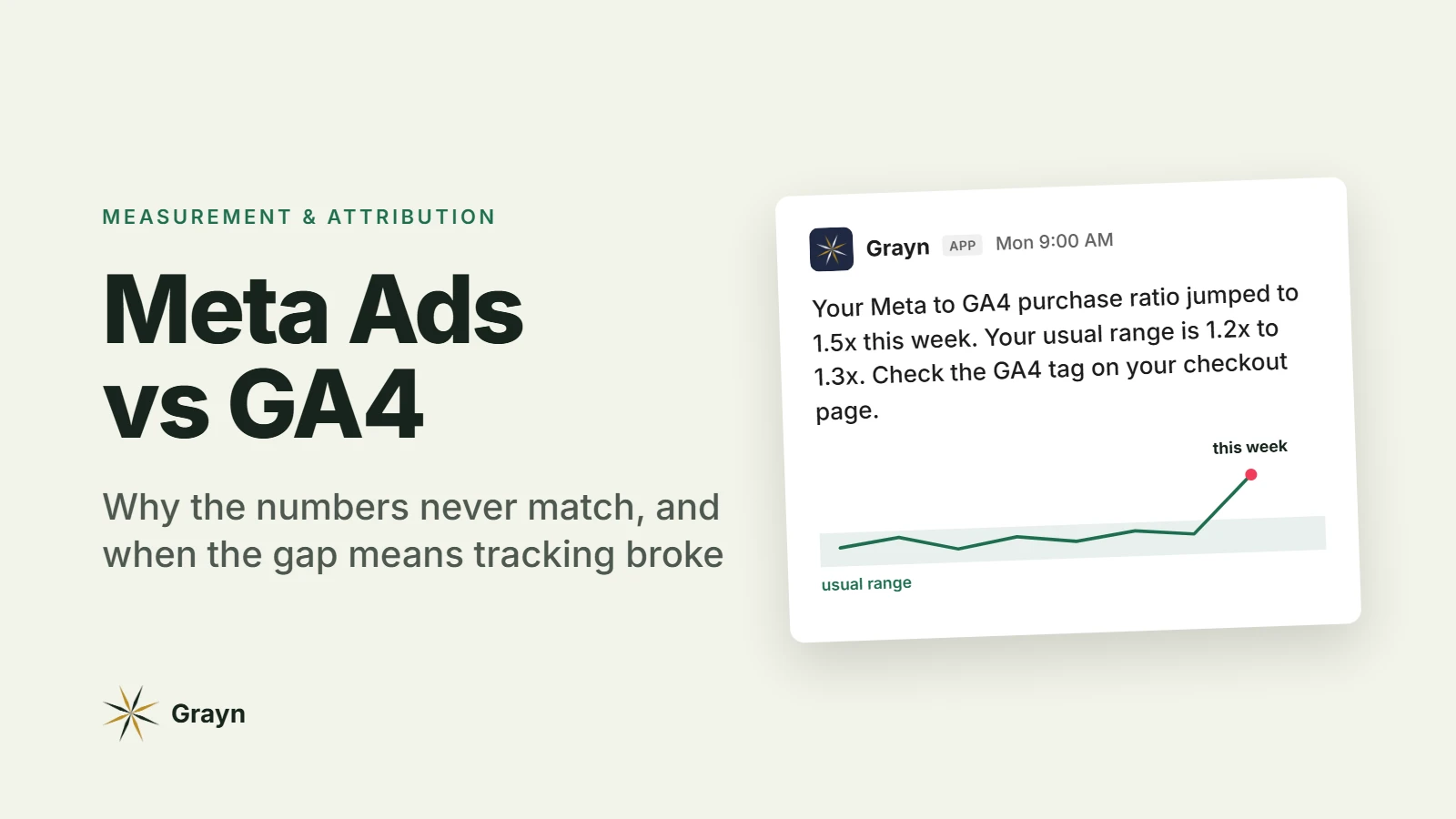
Tracking breaks (pixel, Conversions API, GA4 purchases dropping) | Alert | The agent can't fix your checkout. It can tell you within hours instead of at month end |
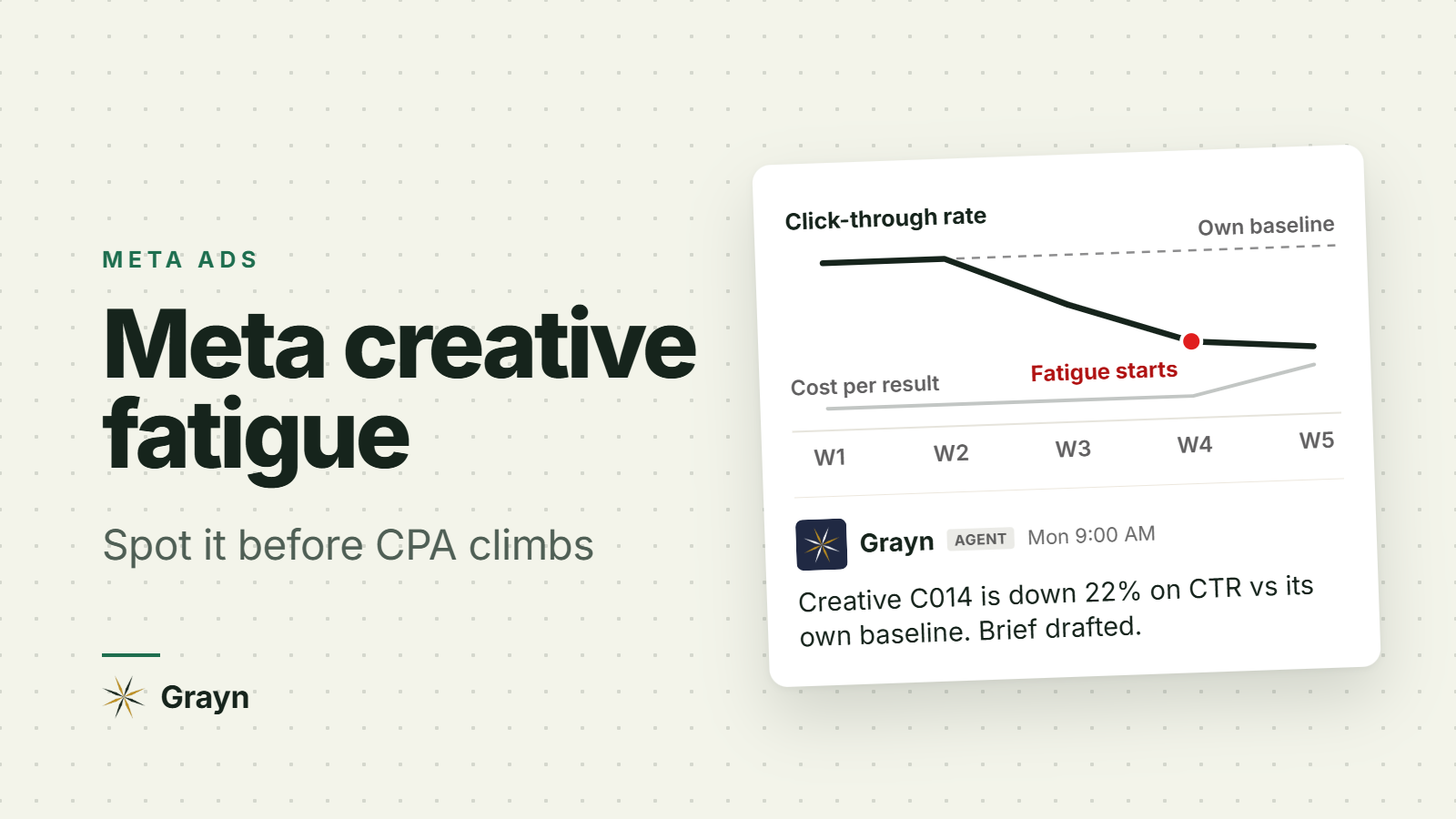
Creative fatigue (frequency up, click-through rate down) | Alert with a drafted brief | Spotting fatigue is mechanical. Picking the next concept isn't |
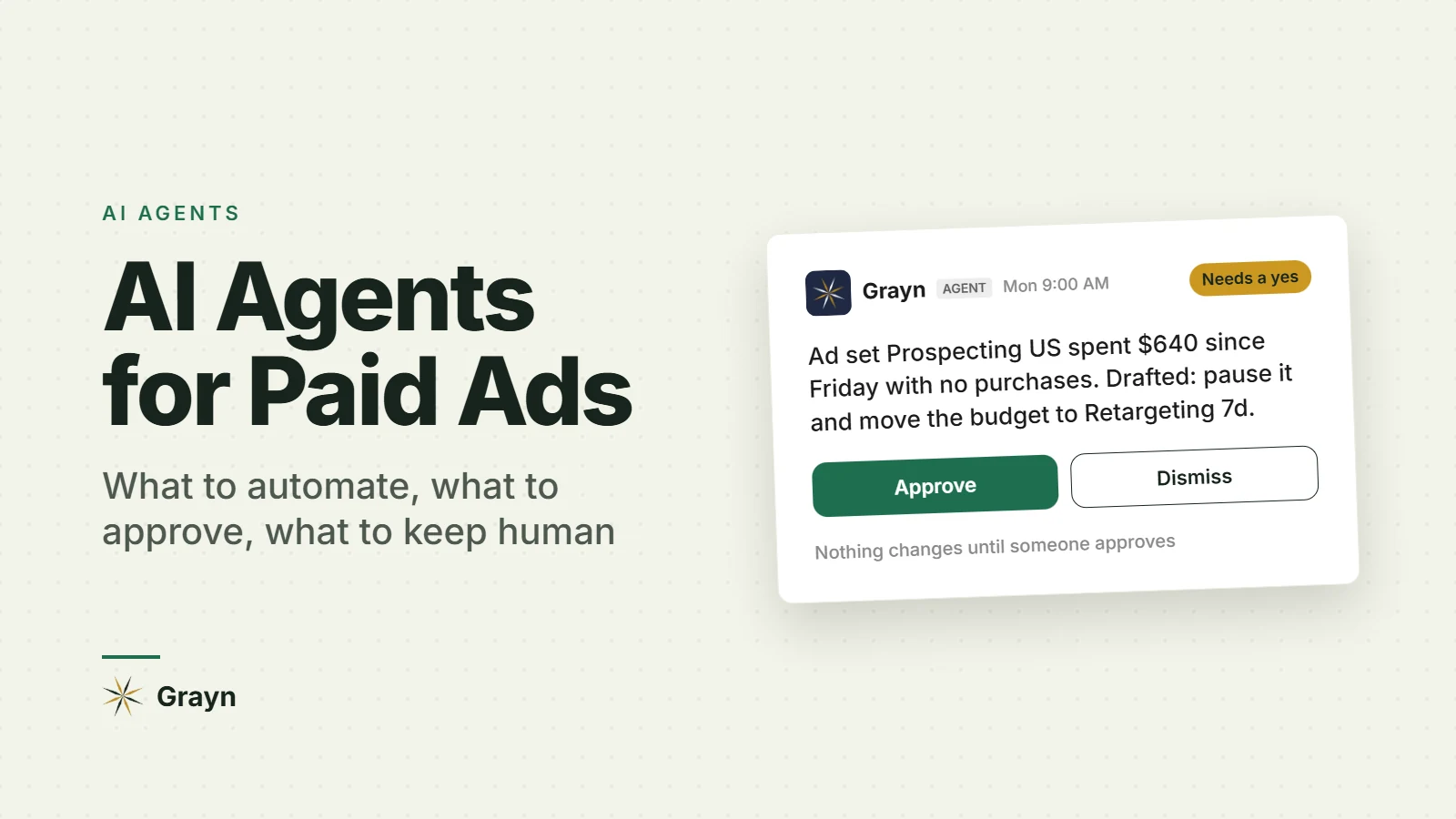
Pausing an ad set that's spending with no conversions | Act with approval | Easy to undo. You also know things the agent doesn't, like whether it's still learning or tied to a launch |
Moving budget between ad sets or campaigns | Draft, or act inside tight limits | Meta and Google already shift budget inside campaigns. A second optimizer on top tends to fight the first |
Launching new campaigns | Draft, created paused | Meta's connectors already create them paused. Keep it that way |
Audience exclusions and targeting | Draft | Mistakes here are silent. Exclude your best customers from a retention campaign and nothing errors out, the numbers just slide |
Bid strategy, target CPA or ROAS | Keep human | The right target depends on payback and LTV, and that call is yours |
Conversion events, attribution settings, pixel and CAPI setup | Keep human | Change what's measured and every agent starts optimizing for something else |
Budget is where teams get burned. Bigger edits to budget, targeting, bids or creative can push a Meta ad set back into the learning phase, where results swing the most (Jon Loomer explains which edits do it). Meta's Marketing API also caps budget changes at four per ad set per hour. An agent that "optimizes" by nudging budgets all day can keep an account relearning forever. If you do let one touch budget, cap how much it can move in a day, and give write access to one agent per account.
If you run app install campaigns
The agent has to see past the install. Meta and Google report installs and early events, while the number that should decide budget lives in your revenue data, mainly trial-to-paid and subscription revenue. An agent judging campaigns on installs will happily scale the cheapest ones, and cheap installs often don't pay. Give it access to RevenueCat or your subscription data. If you can't, keep budget calls with a person.
Why isn't the platform's own agent enough?
Because the problems that cost the most money cross tools, and the agents most teams have today each miss something.
It only sees one platform. Meta's assistant can't see your Google Ads, Apple Ads or RevenueCat. Ask Advisor joins Google Ads with Google Analytics and stops there. Is Meta taking credit for branded search? Did last week's installs turn into subscribers? You can't answer either from inside one platform.
It grades its own homework. Every platform judges results by its own attribution rules. There's nothing shady about that. It's also why Meta and GA4 never report the same number, and an agent that lives inside one platform has nothing outside it to check against.
Chat agents wait to be asked. Hook Claude up to Meta and it'll answer almost anything, as long as someone asks, and every new chat starts from zero. The expensive stuff in paid ads tends to happen when nobody's asking. A purchase tag breaks on a Friday night. A campaign overspends across a holiday weekend. An ad set quietly burns money with nothing to show for it.
That last gap is the one we built Grayn for. In its first week at Moterra Campervans, Grayn caught Google Ads and GA4 drifting apart while about $9,000 went into a dead ad set. Without it, they'd have found out from next month's report. As Trevor James, Moterra's co-founder, put it: "Now the read's in Slack before my first coffee."
How do you let an AI agent into your ad accounts safely?
Start read-only and widen access in steps. Put the hard limits inside the ad platforms themselves, where an agent can't talk its way past them.
Here's a 30-day way in:
Days 1 to 7, read-only. Connect with the least access you can and let it report every day. Check its numbers against Ads Manager, Google Ads and GA4 yourself. If they don't match, stop there and work out why.
Days 8 to 14, alerts. Give it your real targets: CPA or CPI, ROAS, daily pacing and your usual Meta to GA4 ratio. Tune the thresholds until alerts are rare enough that people still read them.
Days 15 to 30, drafts with approval. Let it propose changes where your team already works, with one named approver per account. Keep a note of how often you say yes, and why you say no.
After day 30, narrow limits. Let it act alone only on small things you can undo, each with a clear trigger. Pausing an ad set that's spent three times your target CPA with no conversions is a good first one.
Before any agent gets write access, sort these out:
Give each agent its own access. Not your admin login, and nothing beyond what the job needs.
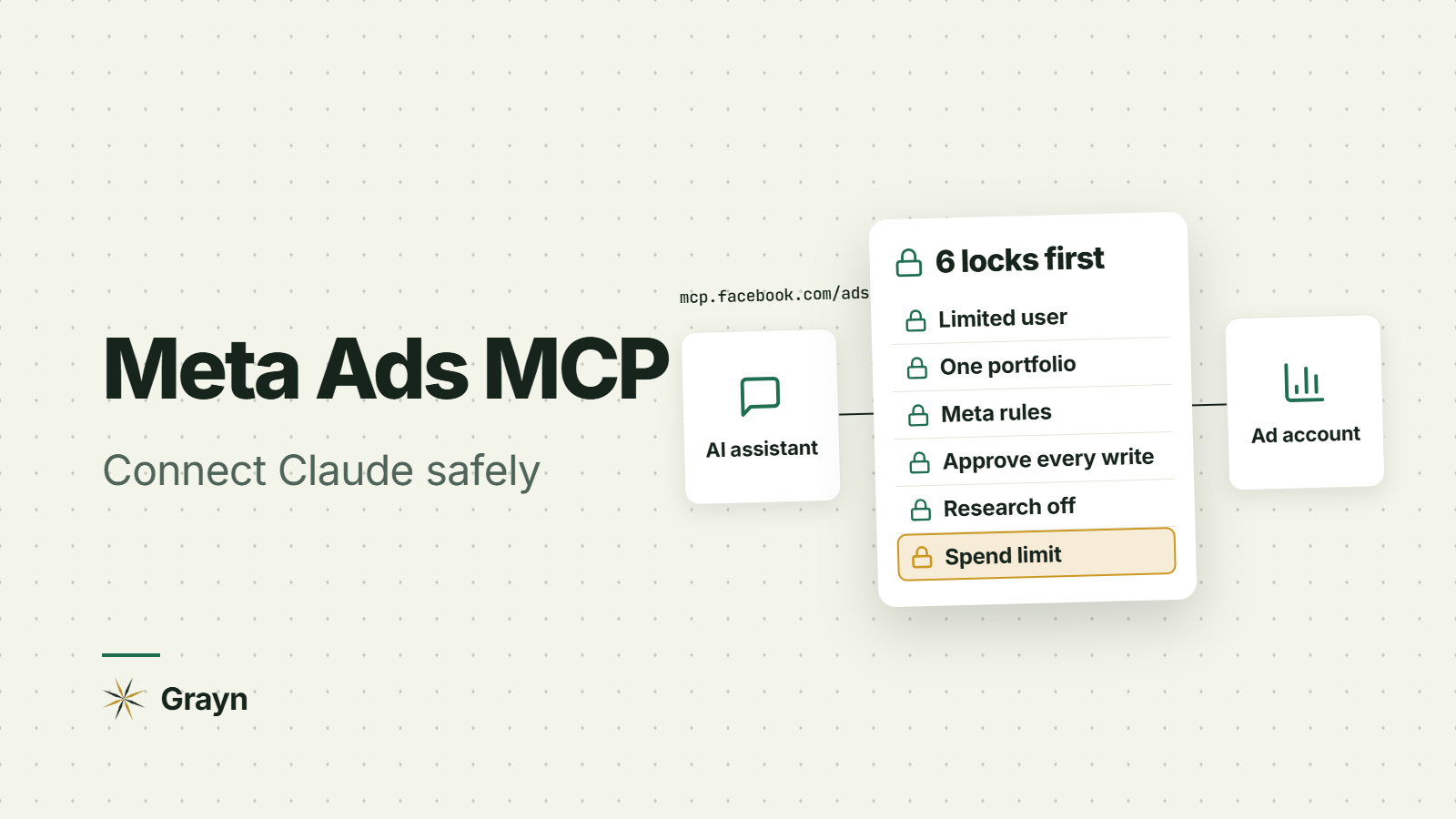
On Meta, share only the business portfolios and ad accounts the agent needs, then set ads MCP server rules to cap budget increases and block delivery changes. You'll find them in Business Settings, under Integrations, then Ads MCP Server. Rules are still in limited availability, so check what your account shows.
One agent with write access per ad account. Two optimizers fighting each other is worse than none.
Keep hard spending limits in the ad platforms themselves.
Log every change, when it happened and who approved it.
Judge results on blended numbers and your backend, like total revenue over total ad spend or total spend over new customers. Never on the agent's own report.
Once a week, look at what it did, what it flagged and what you overrode.
Where Grayn fits
Grayn sits on the watching end of that ladder, on purpose. It's a proactive AI agent for consumer marketing teams that lives in Slack and connects to Meta Ads, Google Ads, Apple Ads (formerly Apple Search Ads), GA4, Google Tag Manager, Search Console, Braze and RevenueCat.
It checks pacing, CPA, ROAS, creative fatigue and tracking gaps around the clock. When something moves, it posts in Slack with what changed, why, and a drafted next step. You can ask it questions in plain English right there too. Nothing changes in your accounts until someone on your team approves it.
That was a deliberate choice. Grayn watches every channel at once, and a person stays on the step that spends money.
Start free with $200 in credits. No credit card needed. Or book a demo if you'd rather see it first.
FAQ
Can an AI agent run my Meta ads by itself? Partly. Through Meta's ads AI connectors it can create campaigns (paused by default) and edit ones that are already running, and Meta is testing budget and targeting changes in its own assistant. Until an agent has a track record in your account, keep a person approving anything that changes spend.
Is it safe to connect Claude or ChatGPT to my Meta ad account? It can be. Use Meta's official connector rather than an unofficial server, share only the business portfolio you need, and stick to read-only questions at first. Set ads MCP server rules before you let it change anything.
What's the best AI agent for paid ads? Depends on the job. The agents inside Meta and Google are free and fine for questions about one platform. Claude with a connector is great for one-off digging. For all-day monitoring across channels, with approvals, you need something independent that sees your ads, analytics and revenue together.
Will AI agents replace media buyers? We don't think so. Agents are taking over the watching and the first drafts. That leaves buyers more time for calls that need context an agent doesn't have, like a stockout or a launch next week.